01
Video and link intake
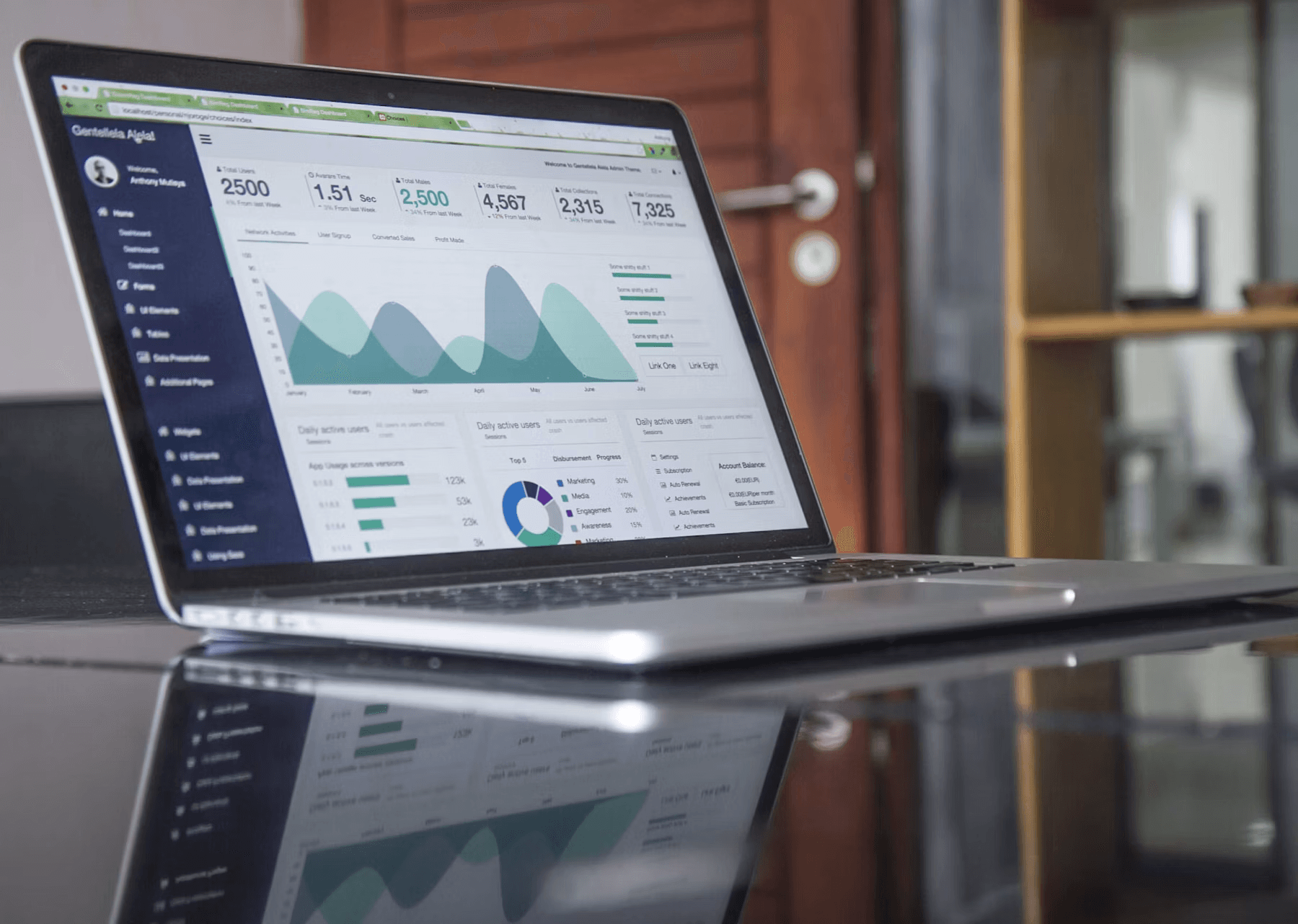
Users can upload a video or begin from a link, while the system prepares the media for transcription and the rest of the localization workflow.
Case study
Video localization with review control
Turning video localization into a self-serve workflow where users can translate, dub, review, edit, and export videos across 100+ languages.

Client
Internal product, Ascent Innovate
Status
Launched
Category
SaaS Development & MVP Upgrades
Timeline
2025
Video localization involved too many separate steps for users who simply wanted to turn an existing video into a usable dubbed version. Transcription, translation, speaker handling, voice generation, review, and export all had to work together without making the product feel complicated.
The experience was designed so users could stay involved after generation. They could inspect the transcript and translated lines, see how speakers were handled, and correct a specific part of the video when something needed attention.
Product context
Once a video had been dubbed, users still needed a practical way to review the result. If one line had the wrong timing, translation, speaker, or voice, they needed to fix that part without sending the full video through processing again.
Dubbing moves through several connected stages, and a small problem near the end can make an otherwise good video difficult to use. A mistranslated line, timing issue, incorrect speaker, or unsuitable voice needed a targeted fix so users were not forced to repeat work that was already correct.
We brought the full localization flow into one workspace, from the first video input through speaker-aware dubbing, line-by-line review, targeted corrections, preview, and final export.
Users can upload a video or begin from a link, while the system prepares the media for transcription and the rest of the localization workflow.
Speakers stay separated as the video moves through transcription, translation, and voice generation, giving users a clearer result to review.
If one part needs attention, users can change its text, timing, speaker, or voice and regenerate that segment instead of processing the entire video again.
Users can inspect the generated result before unlocking the full output and continue from the same processed video when they are ready to export.
The launched platform gives creators and teams one place to move from an existing video to an editable dubbed version across 100+ languages. The workflow no longer needs to be pieced together across separate translation, voice, review, and export steps.
Users can also stay in control of the finished result. When one part needs correction, they can work on that segment directly and continue toward export without losing the processing that is already correct.
100+
languages supported for video dubbing workflows
One segment
can be fixed without reprocessing the full video
Preview
lets users inspect the output before unlocking the full result
Export
video, subtitle, and publish-ready output paths
User feedback
“The product made a complex localization workflow feel manageable. The ability to review and fix specific segments was the part that made it practical for use.”
User feedback
Private media workflow user
The value came from what these decisions changed for the people using the product and the team responsible for running it.
Creators and teams can move from an existing video through dubbing, review, correction, and export inside one product instead of coordinating each stage separately.
The transcript and translated output remain visible throughout the workflow, giving users a clear place to check and adjust the work before export.
A problem with one line no longer means starting the full video again. The affected segment can be corrected while the rest of the processed work stays intact.
Share what you are building, what is not working, or what you need to achieve. We can help turn that context into a clear technical plan.
A rough idea, current blocker, or target outcome is enough for an initial conversation.
What to share
What exists today, what needs to change, your timeline, and what a good result looks like.